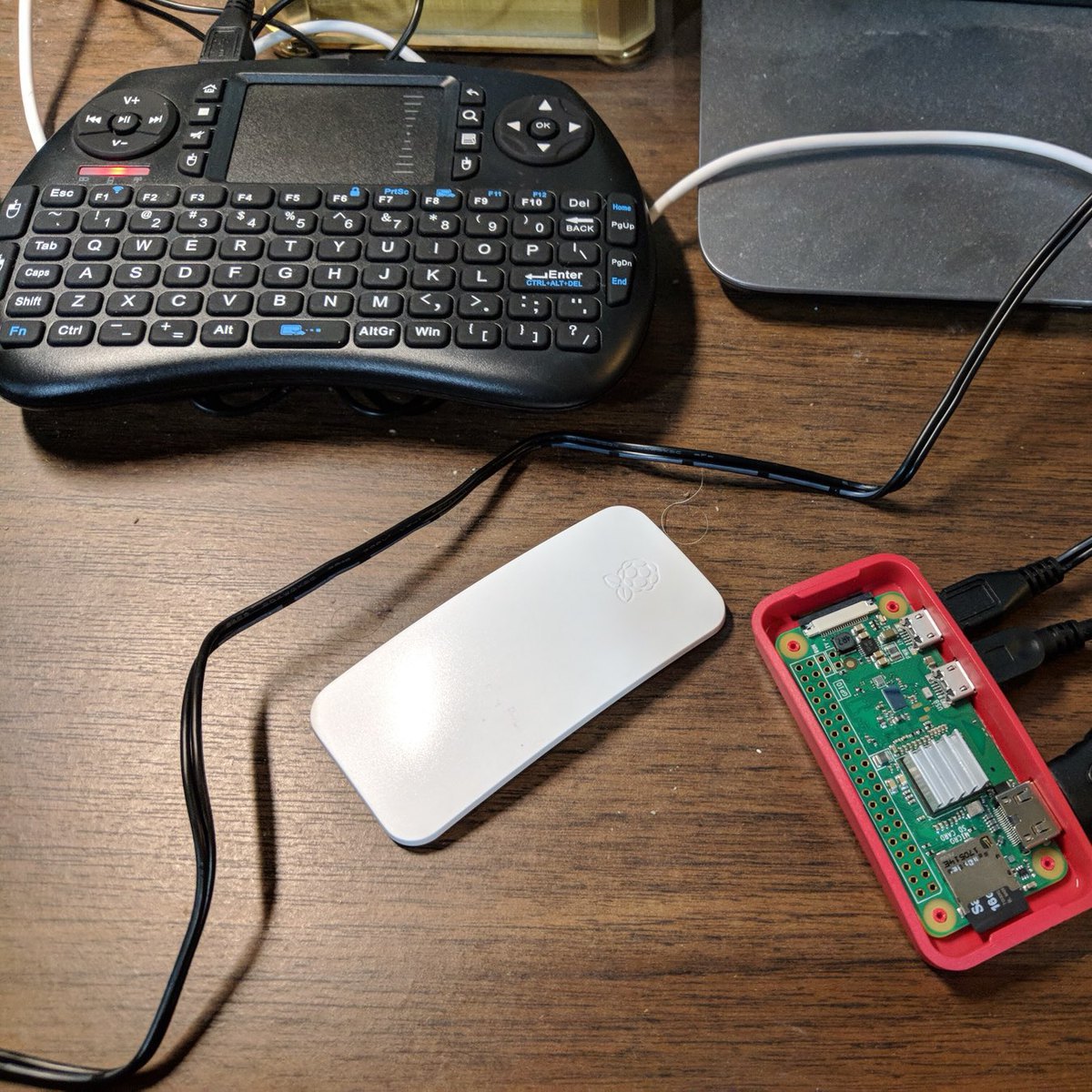
Raspberry Pi
My first computer was the Timex Sinclair 1000 that my grandmother gave me as a birthday present in 1983. I got that computer because it was cheap enough for my grandmother to buy, and she somehow determined back then that computers where the future.
One of the unique things about the TS1000 is that it had a membrane keyboard and each key had multiple functions, most notably certain function key combinations produced BASIC reserve words geared towards making it easy to learn how to program. The TS1000’s keyboard could be seen today as a predecessor to today’s on-screen keyboards.
Back in the 80s and early 90s all personal computers came with an operating system and the BASIC programming language. While you could buy some pre-packaged software, the most common way to add programs to a computer was by either writing yourself or by typing one that was printed in a magazine.
The TS1000 was an educational computer and the forefather to the Raspberry Pi that you can buy today for as little as $30. I have several Raspberry Pis that I tinker with, and I think parents ought to buy them for any child who is at all interested in studying computers.
Well, that was interesting. I updated my Pi3 with the latest release of Raspbian and then decided to clone my new Jekyll repo and edit the about page on my Raspberry Pi. Just because I could. I committed and pushed the update to the repo and checked the about page on the new site, and the new edits did not appear. Went to the Netlify site, logged in, and found the deploy failed with some error relating to node. I think during deploy nodejs 8 was attempted to be installed and it failed.
Next, I tried a fresh re-deploy and selected clear cache and this time deployment was successful.
So, what I learned here is that it appears whenever Netlify sees and pulls an update from the repo it seems to rebuild the container/VM that is hosting the site that includes installing nodejs, installing ruby gems (Jekyll uses ruby) then does a Jekyll build and ultimately deploys the site from the site fielder.
Mugsy is a robotic coffee maker with a Raspberry Pi brain.
Here is a complete run down on the Raspberry Pi 3 B+ benchmarks.
I received the new Raspberry Pi 3 B+ that became available on Pi day. This new model has a faster processor and faster networking, and in my experience with it today I find it to be noticably faster as a desktop.
Real geeky discussion about why the Raspberry Pi is not affected by Meltdown and Spectre leads to explanation of the issue Meltdown and Spectre exploits.
Setting Up Pi Zero
I got a Raspberry Pi Zero W for Christmas that I am setting up, and so far not having much luck getting the OS to install. I think the file transfer is taking too long. I am regretting following the instructions literally, meaning I installed the Pi Zero in the case and there isn’t an easy way to remove the micro SD card without removing them Zero entirely.
Looks like I will have to remove the Zero and flash the card with a complete build on a PC. I hope that I can get the Zero out of he case without breaking it.